
Apprentice Application Automations
Project Overview:
This project was one of my first major assignments as a User Experience Engineer and my first experience working with Microsoft Power Automate. Although the apprenticeship program was already in place, many processes were still developing and lacked effective tracking and communication tools. Working alongside another UX team member who joined the team at the same time, I helped transform an apprenticeship recruitment process that lacked centralized tracking and communication tools. With limited initial direction, we refined the application experience, implemented Microsoft Lists for applicant management, and developed automated workflows that improved visibility, communication, and recruitment operations.
The Challenge:
The apprenticeship program had an application process, but applicant tracking and communications were difficult to manage and lacked a centralized workflow. Information was spread across multiple locations, making it challenging to monitor applicant status and ensure consistent follow-up throughout the recruitment process.
Building the Foundation:
To improve visibility into the recruitment pipeline, we migrated applicant management into Microsoft Lists and established a structured tracking process. Applicants could be monitored throughout each stage of recruitment, from initial application through placement. We used sample data to protect privacy.
Learning Power Automate:

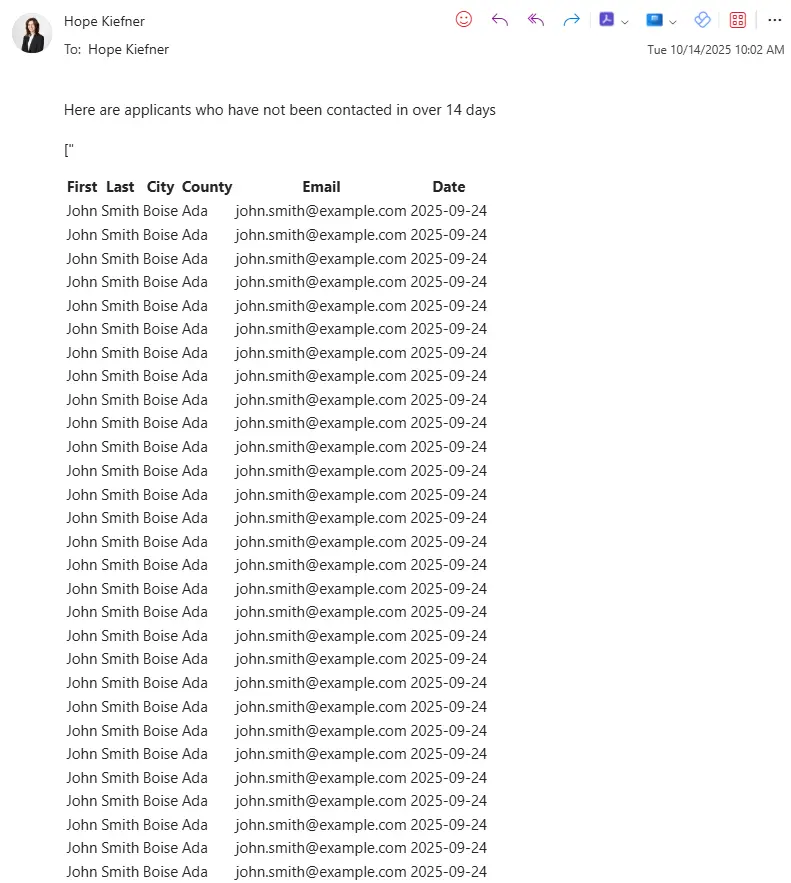
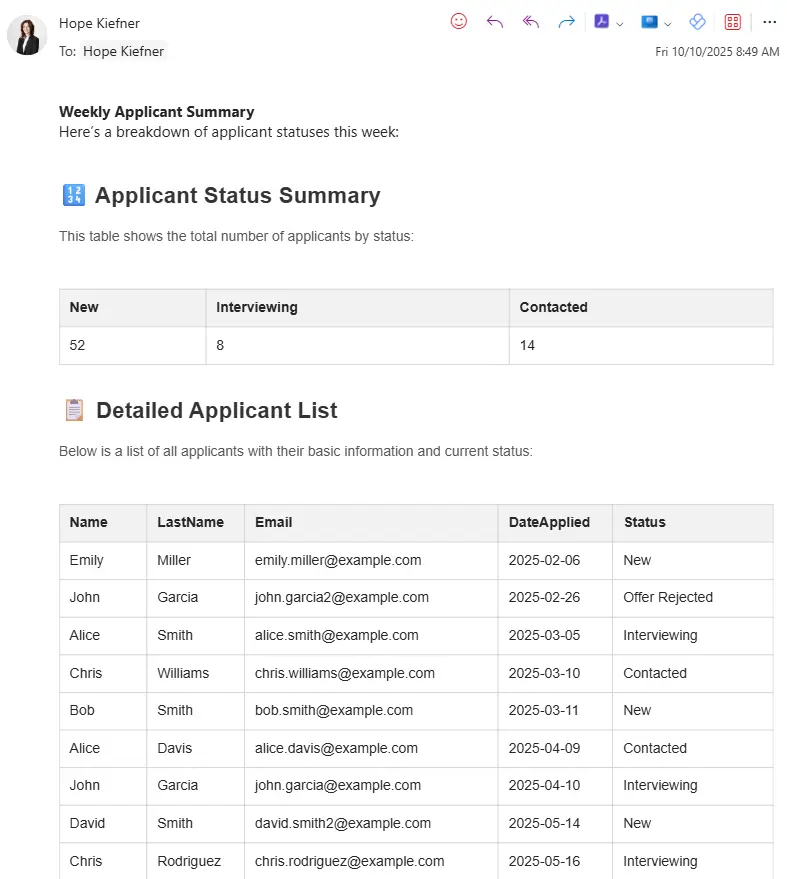
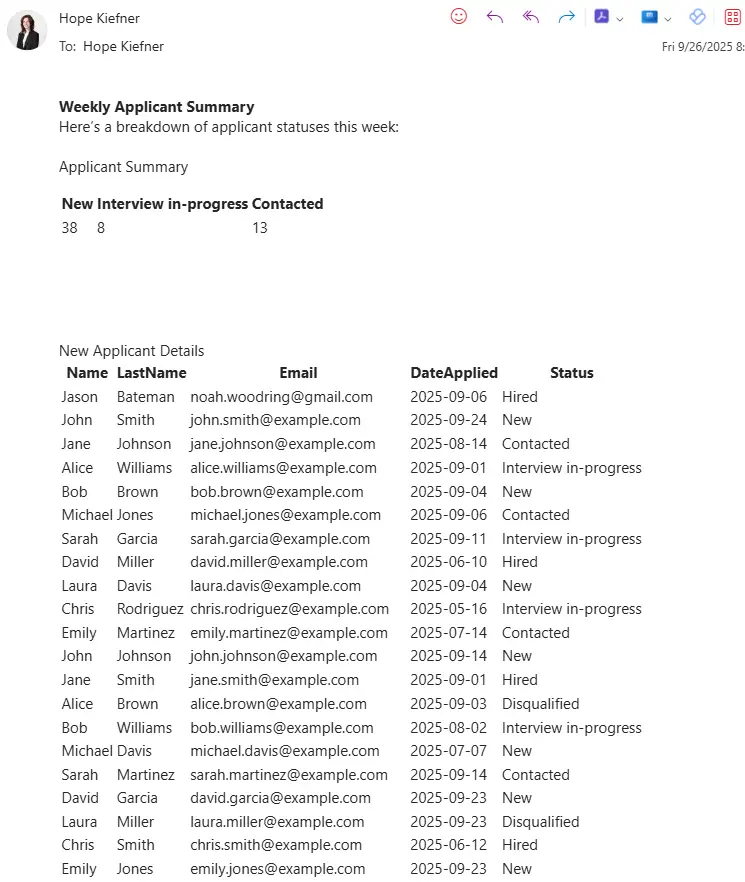
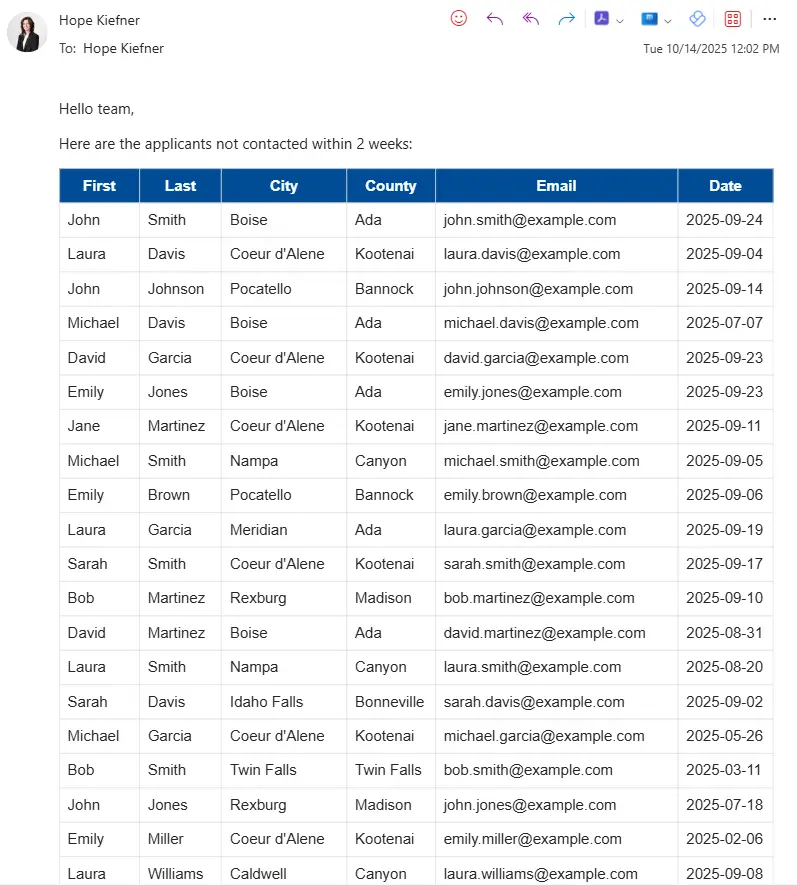
As a first-time Power Automate user, I documented key milestones throughout the development process. These iterations helped shape the final automation solution used to support apprenticeship recruitment workflows.
While this was my first time working with Microsoft Power Automate, my coursework at Boise State University introduced me to workflow automation through Zapier, providing a foundation for understanding automation logic and process design. This project gave me the opportunity to apply those concepts in a professional environment as I explored, tested, and refined workflows that ultimately supported applicant communication, reporting, and recruitment tracking.
Final Products
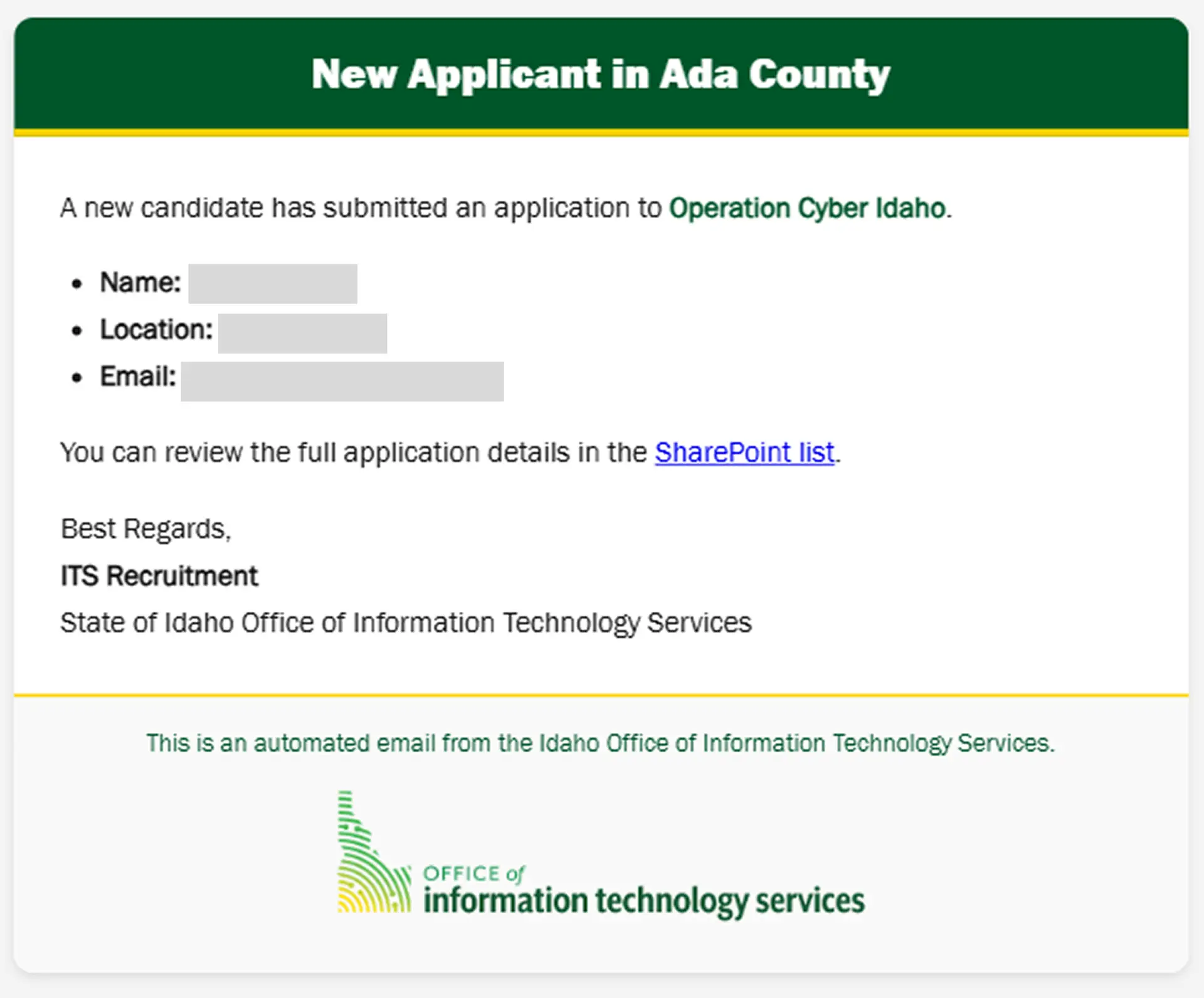
The New Applicant Alert provides a quick summary of the candidate’s name, location, and email address.
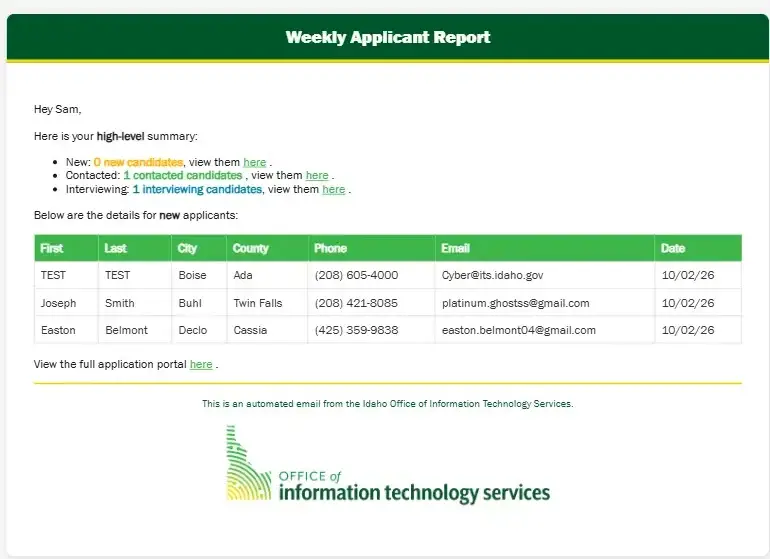
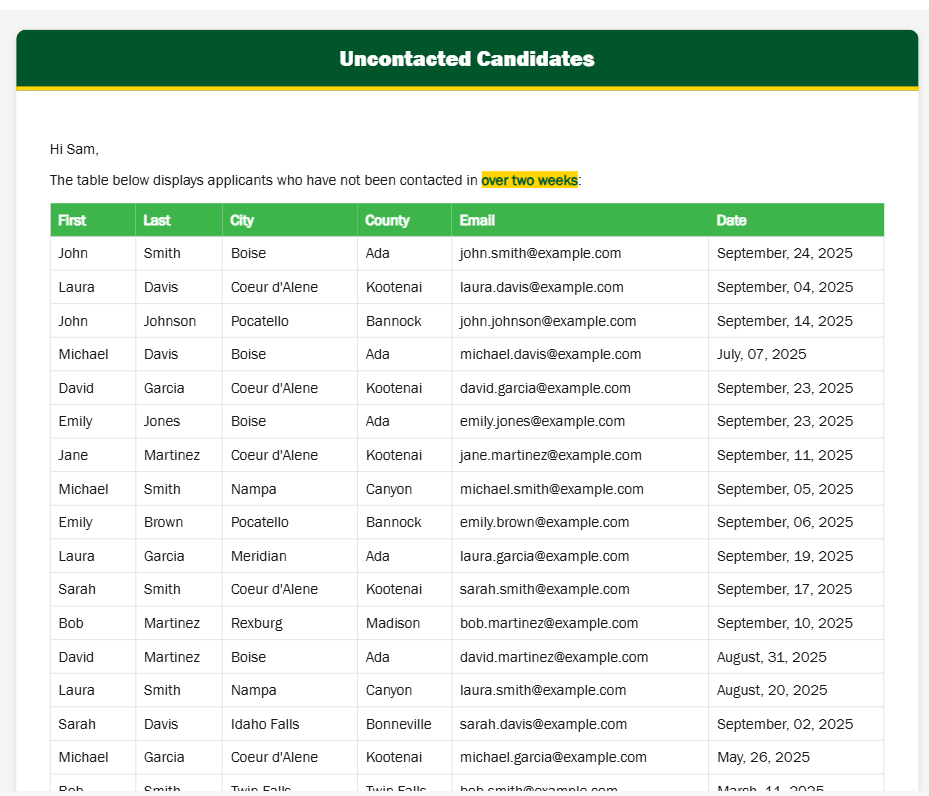
Automated weekly reports and follow-up tracking improved visibility into applicant activity and recruitment progress.
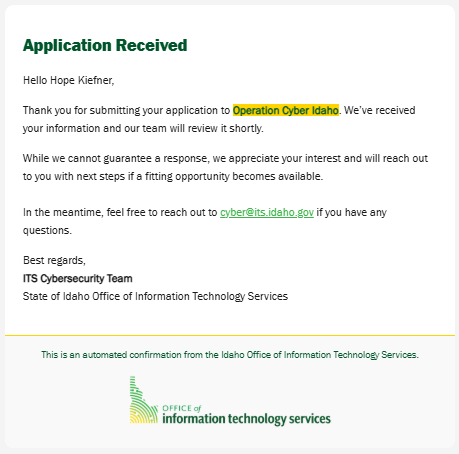
The Apprentice Application
This application form serves as the starting point of the apprenticeship recruitment process and powers the automated workflows featured throughout this case study.
Project Impact
By combining Microsoft Lists with Power Automate, we transformed an evolving recruitment process into a more organized and scalable system. What began as one of my first major assignments became an opportunity to improve applicant visibility, streamline communications, and establish a foundation for future apprenticeship recruitment efforts.
What I Learned:
This project marked my introduction to Microsoft Power Automate and large-scale process automation. Working alongside another newly hired UX team member, I learned how thoughtful process design, information architecture, and automation can improve operational efficiency while supporting better experiences for both applicants and administrators. It also strengthened my ability to navigate ambiguity, collaborate across teams, and build solutions in an environment where many processes were still evolving.